How Does the Dark Web Look? Recognize the Limits of a Screenshot
A dark-web page can use ordinary web design: text, images, forms or a familiar publication layout. A screenshot cannot establish the live destination, operator or connection path. Plain styling is not proof of safety, and dramatic styling is not proof that a service belongs to a special hidden network.
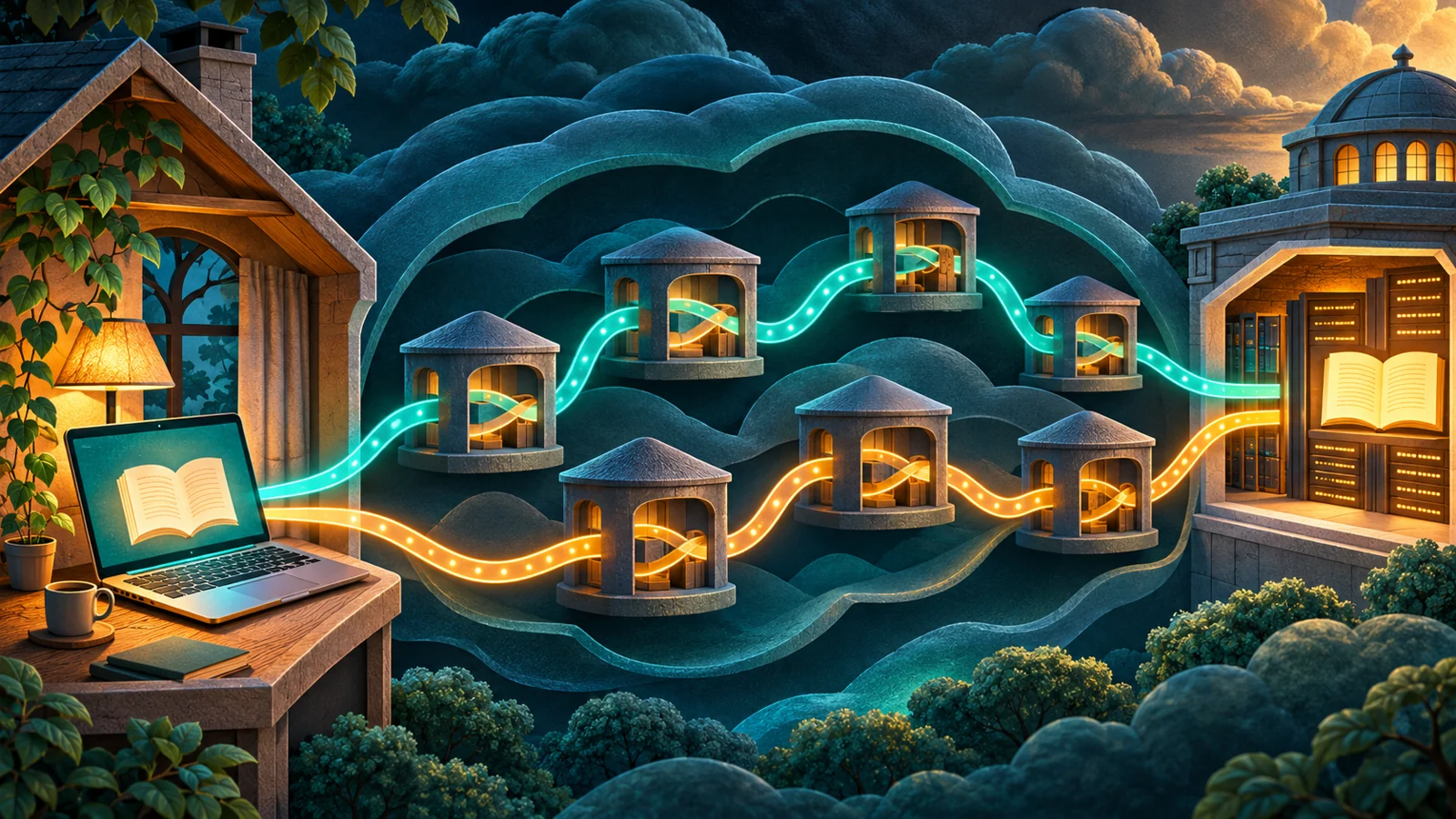
An image is a record of an appearance
A screenshot can omit the full address, be edited or show an old state. It cannot independently prove who controlled a service, what request was sent or whether the page is reachable now. A familiar browser frame does not solve those gaps.
This matters when an online tour presents appearance as proof of authenticity. The visual can illustrate a claim, but the destination and source still need independent verification.
Ask what the image actually supports
| Subject | Can illustrate | Cannot independently establish |
|---|---|---|
| Layout | What the displayed page looked like | Who currently controls the service |
| Visible address | What text appears in the bar | Whether it was authenticated or edited |
| Error screen | A displayed failure state | The underlying cause |
| Branding | A claimed identity | The publisher’s approval |
A genuine historical image can still mislead today
Imagine a tour reuses an old marketplace screenshot without its date. The image can be authentic for its period while saying nothing about whether a present service exists.
Keep the date and source attached, and do not use a reused name to infer continuity.
Different routing does not require a different visual language
Onion services can deliver familiar kinds of webpages. Their important distinction is technical access, not an obligation to look old-fashioned or ominous. The browser and connection should be explained independently of the page’s aesthetic.
For readers curious about the experience, official diagrams and documentation can show the model without requiring unknown live destinations. A visual tour is not necessary to understand the system.
Questions people ask
Sources
Further reading
Glossary
Terms in this guide
Continue learning