What To Do Right Now

I Got a Dark Web Alert — What Do I Do Now?

The notification lands with a jolt: your information was found on the dark web. Before you panic, here's what that actually means and the exact order of things to do about it.

Change the password for the affected account immediately, check whether you reused that password anywhere else and change it there too, turn on two-factor authentication, and monitor the account for unusual activity for the next few weeks. Most dark web alerts relate to old breaches, not active, ongoing attacks — but the fix is the same either way.

The phrase 'found on the dark web' is doing more emotional work in that alert than it is informational work.

In the vast majority of cases, it means your email and an old password turned up in a breach database that's months, sometimes years, old — not that someone is actively watching your accounts right now.

A smartphone showing a security notification alert on a clean, calm background
First actionChange the flagged password now
Second actionCheck for password reuse
Third actionEnable two-factor authentication
Typical urgency levelPrompt, not panic

TL;DR

Quick answer

Change the flagged password, check for reuse elsewhere, enable two-factor authentication, and review account activity. Most alerts reflect old breaches, not active attacks.

Last reviewed2026-07-01
Reading time7 min
DifficultyBeginner
EvidenceStrong
Most alerts reflectAn older, already-known breach
Most urgent single fixChange the flagged password
Most overlooked fixChecking for reused passwords elsewhere
Best long-term fixA password manager + 2FA

Understanding the alert before you react to it

What the alert actually means

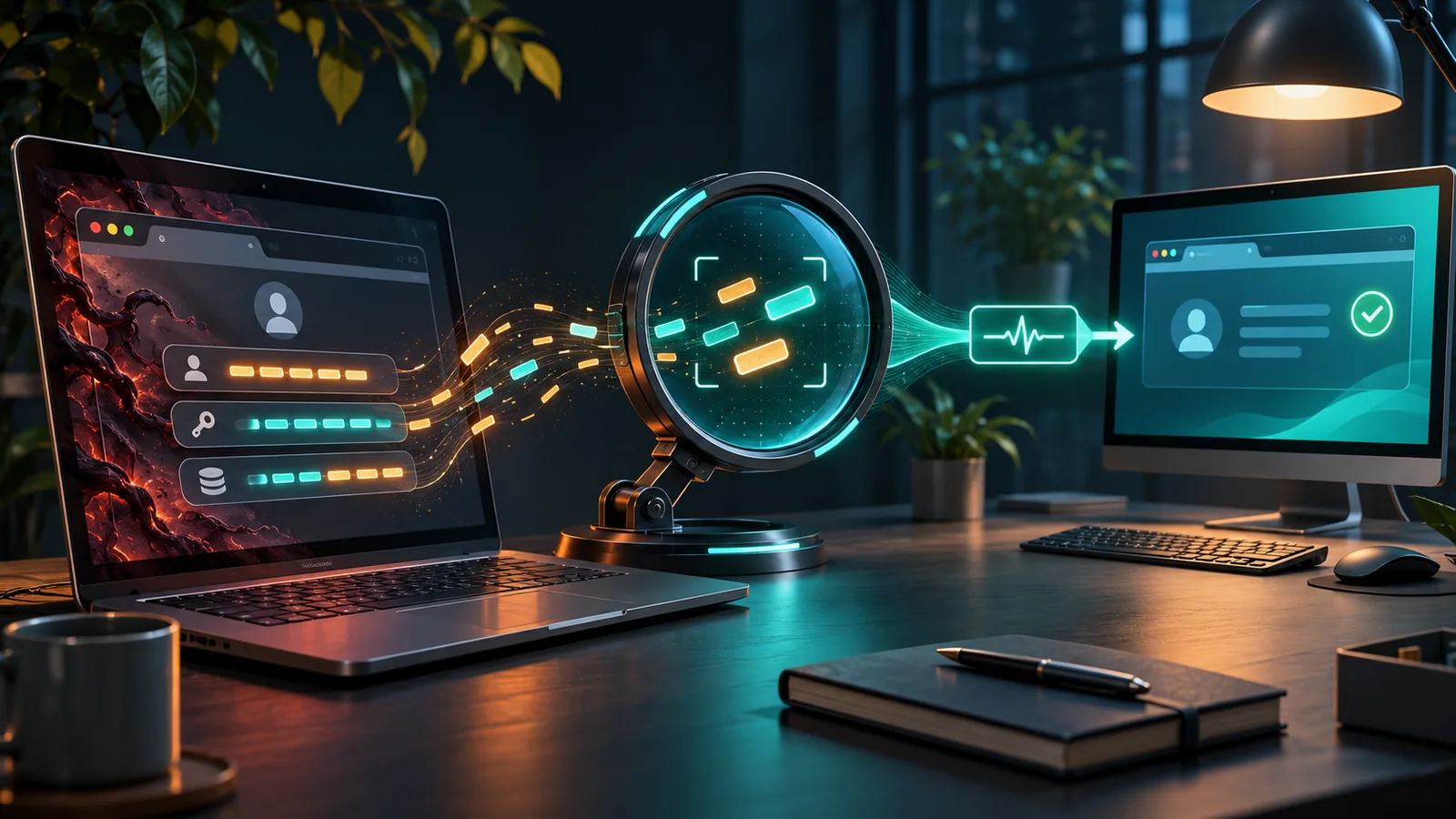
A dark web alert, from a browser, password manager, or monitoring service, means your email address (and sometimes a password, or partial payment details) appeared in a dataset the service has flagged as breached or leaked. It's a notification about the past, almost always — a company you had an account with was hacked at some point, and that data eventually surfaced somewhere researchers or monitoring tools could find it.

It is not, generally, a live signal that someone is inside your accounts at this exact moment. That distinction matters because it changes the tone of your response: this calls for prompt, methodical action, not a frantic scramble to unplug the router.

The good news is that the fix for a dark web alert is almost always the same short list of steps, regardless of which company was breached or how old the leak is. You don't need to become a security expert overnight — you need to work through the list below, in order.

Before you do anything else

  • Identify exactly which account and which piece of data was flagged.
  • Don't click links inside the alert itself if you're unsure of its source — go to the account directly instead.
  • Treat this as 'act this week,' not 'panic tonight' — unless you see actual signs of account misuse right now.

The 'urgent' alert is often reporting something from years ago

Security researchers have repeatedly found breach data circulating and being re-indexed for a long time after the original incident — a dark web alert today can be surfacing a breach from a company hack that happened well before you even received the notification.

It reframes the alert from 'emergency happening right now' to 'overdue chore you can finally cross off' — the urgency is about closing an old door, not stopping a live break-in.

Attackers don't usually retype your leaked password by hand

Most account takeovers following a breach happen through automated 'credential stuffing' — software trying your leaked email-and-password combination across thousands of other sites automatically, all at once.

This is exactly why changing only the flagged account's password isn't enough if you reused that password anywhere else — the automated attempt doesn't care which site it's trying, only whether the combination still works.

The account you forgot about is often the riskiest one

People tend to worry most about the accounts they use daily — banking, primary email — and least about the ones they haven't logged into in years, like an old forum or a shopping site from a decade ago. But those forgotten accounts frequently still hold a password you've since reused elsewhere, sitting unmonitored and unchanged, which makes them a quieter, longer-running risk than the accounts actually on your mind.

What to do, in order

Change the flagged password immediately

This closes the specific door the alert identified, and takes under a minute.

Check every other account using that same password

Credential stuffing attacks rely entirely on password reuse — this step often matters more than the first.

Turn on two-factor authentication where available

Even a correctly guessed password becomes far less useful to an attacker if a second step is required.

Review recent account activity for anything unfamiliar

Login history, connected devices, and recent transactions are the fastest way to spot actual misuse, not just exposure.

Consider a password manager going forward

It removes the temptation to reuse passwords, which is the single biggest factor turning old breaches into new problems.

Misconception

A dark web alert means someone is actively breaking into my account at this moment.

Reality

It almost always means your data was found in an existing breach dataset — a past event, not a live intrusion — though it's still worth checking for signs of recent misuse.

Misconception

Changing the password on the flagged account resolves the issue completely.

Reality

If you reused that password anywhere else, those accounts remain exposed until you change it there too — the flagged account is only the one that got caught.

Misconception

You need to cancel your credit cards and close accounts the moment you get an alert.

Reality

That level of response is usually only warranted if the alert involves financial account numbers directly and you see signs of actual fraud — for most email/password alerts, a password change and 2FA are sufficient.

Why do I keep getting these alerts even after changing my passwords?

If I've already fixed my passwords, why does monitoring keep flagging new alerts?

Every account you've ever created is a separate potential breach source — a monitoring service surfaces a new alert each time a different company you used gets compromised, even years after you stopped thinking about that account. It's less that you keep making the same mistake, and more that the internet keeps accumulating incidents behind the scenes.

When a leaked password wasn't enough on its own

Security researchers analyzing large-scale credential stuffing campaigns have repeatedly found that accounts protected by two-factor authentication were successfully defended even when the attacker had the correct, leaked password — the second step stopped the takeover cold.

Two-factor authentication is the single highest-leverage step on this whole list; if you only do one thing beyond changing the flagged password, make it this.

Watch out for fake 'dark web alert' emails

Because real dark web alerts exist, scammers now send convincing fake versions asking you to 'verify your account' by clicking a link and entering your password. If you receive an alert, go directly to the account or service in your browser rather than clicking any link inside the message — especially if the alert arrived by email from an unfamiliar sender.

depends

So — how worried should you actually be?

Moderately concerned, promptly active, not panicked. A dark web alert is a legitimate signal worth acting on this week, but for most people it reflects an old, already-known breach rather than an active attack — the response is methodical, not frantic.

The exception is if you see actual signs of misuse — unfamiliar logins, transactions, or password reset emails you didn't request — which warrants faster, broader action.

Why these alerts are becoming more common, not less

As more of daily life moves online and breaches at large companies continue to happen regardless of any individual's habits, dark web alerts are becoming a routine part of digital life rather than a rare emergency. The healthiest long-term response isn't dread every time one arrives — it's building habits, like a password manager and two-factor authentication, that make each individual alert far less consequential when it inevitably comes.

The short version

  • Change the flagged password first, then check for reuse elsewhere.
  • Turn on two-factor authentication wherever it's offered.
  • Review recent account activity for anything unfamiliar.
  • Be cautious of links inside the alert itself — go to the account directly.
  • Consider a password manager to prevent the next alert from mattering as much.

Questions people ask

Where to go next

Free dark web scanner — is it legit?

Understand how these alerts get generated in the first place.

LifeLock vs Aura vs Identity Guard for dark web monitoring

Compare ongoing monitoring services.

Timeline of major dark web marketplace takedowns

See where some breach data traces back to.

Deep web vs dark web: what's the real difference?

Clarify the terminology in the alert itself.

What are Tor exit node risks?

A related but distinct privacy topic.

A chore, not a crisis

Treat the alert the way you'd treat a smoke detector chirping over a low battery — worth attending to promptly, not a sign the house is on fire. Change the password, turn on 2FA, and get back to your day.

You now know

  • Change the flagged account's password immediately, then check for reuse elsewhere.
  • Two-factor authentication is the single highest-leverage protection you can add.
  • Most alerts reflect old, already-known breaches, not active intrusions — respond promptly, not frantically.

Safety note

Educational, not operational

If you see signs of active account misuse (unfamiliar logins, unauthorized transactions), act immediately and contact the provider directly.

Common myth

Myth vs reality

Myth

A dark web alert means someone is actively breaking into my account at this moment.

Reality

It almost always means your data was found in an existing breach dataset — a past event, not a live intrusion — though it's still worth checking for signs of recent misuse.

FAQs

Questions people ask

Sources

Further reading

  • FTC IdentityTheft.gov guidance
  • NIST digital identity guidelines on credential stuffing

Continue learning

Next useful step

Keep going

The next door is usually the interesting one

The answer you came for touches a few neighboring questions. These are the ones most likely to make the picture click.

What you should remember

A chore, not a crisis

  • Treat the alert like a smoke detector chirping over a low battery — worth attending to promptly, not a sign the house is on fire.
  • Change the flagged account's password immediately, then check for reuse elsewhere.
  • Two-factor authentication is the single highest-leverage protection you can add.
  • Most alerts reflect old, already-known breaches, not active intrusions — respond promptly, not frantically.

A few useful next steps

Where this question wanders next

The dark web is less a single tunnel than a set of side passages. These are the useful ones from here.

If this made you wonder

dark web alert collection

Protect your data

1

What Does a Dark Web Monitoring Alert Actually Mean?

The subject line says 'your information was found on the dark web.' The actual mechanics behind that sentence are a lot less dramatic, and a lot more useful to understand.

2

What Is Credential Monitoring?

Your email and password could already be circulating in a criminal database somewhere. Credential monitoring is how you'd actually find out.

3

What Is Have I Been Pwned and How Do I Use It?

One security researcher's side project quietly became the internet's most trusted breach checker. Here's how to actually use it.

4

What Is the Dark Web in Cyber Security?

Ask a security analyst about the dark web and you'll get a much less dramatic answer than the one in the news — it's a source they check, not a place they fear.

5

What Is Dark Web Monitoring And How Does It Work?

A service that watches for your information showing up in places you'd rather it never went.

Questions people ask first

Choose by the time in your pocket